SSMS Claude Chat themes
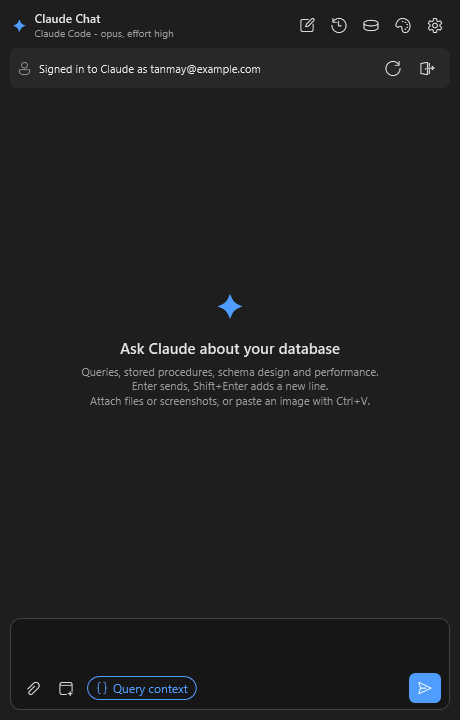
Click the 🎨 palette at the top of the chat window to pick a theme and an accent colour. Changes show straight away and are remembered.
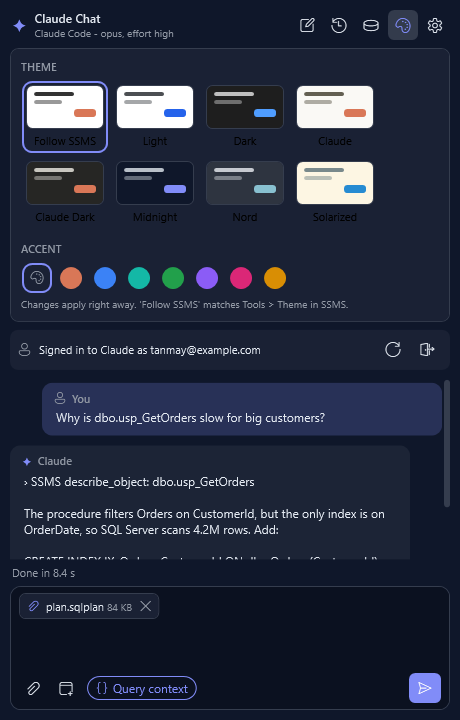
Themes
| Theme | Look |
|---|---|
| Follow SSMS (default) | Matches your SSMS colours and changes when SSMS does |
| Light | Clean white |
| Dark | Dark grey |
| Claude | Warm paper with Claude orange |
| Claude Dark | Warm charcoal with Claude orange |
| Midnight | Deep navy with indigo |
| Nord | Cool blue-grey |
| Solarized | Soft cream |
Accent colour
The accent colours the Send button, your messages and selected options. Pick Theme default, or Claude orange, blue, teal, green, purple, pink or amber.
Examples
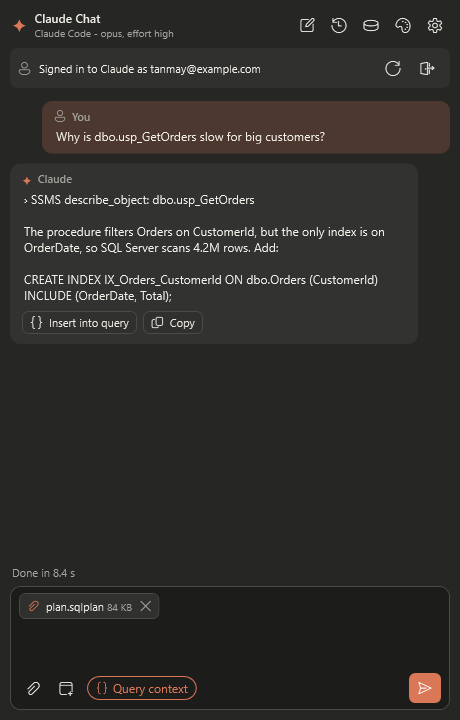 |
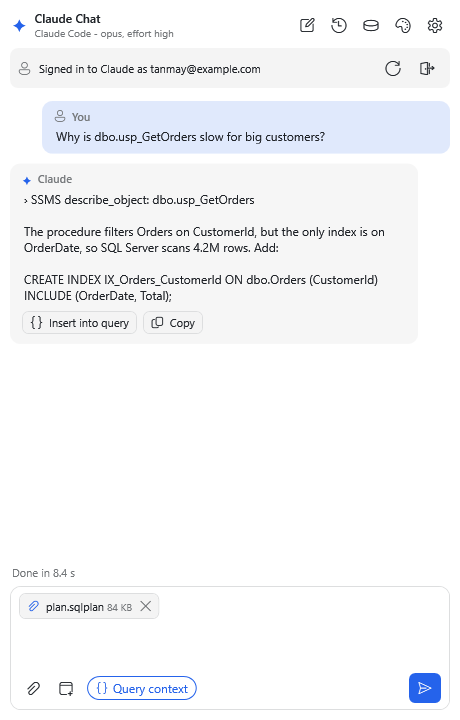 |
| Claude Dark | Light |
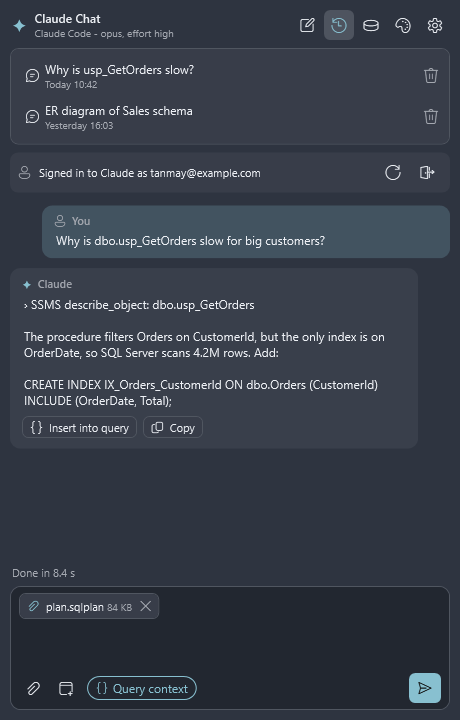 |
 |
| Nord | Dark |