SSMS Claude Chat: ask Claude AI about your database, right inside SSMS.
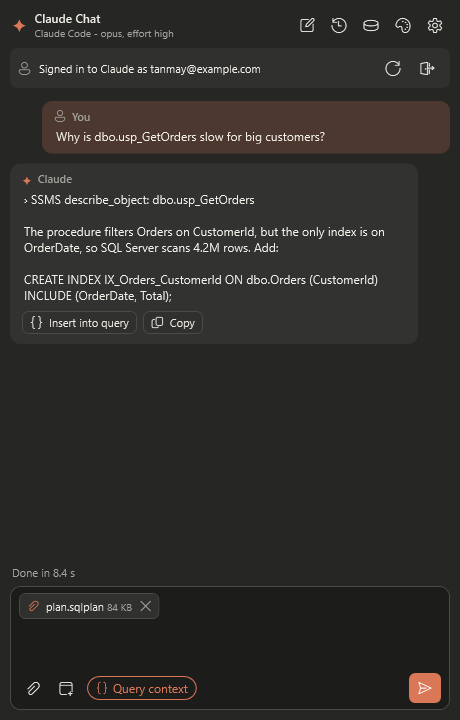
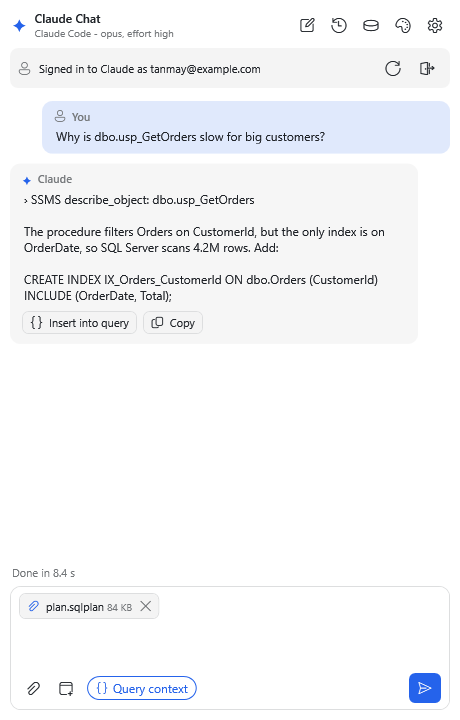
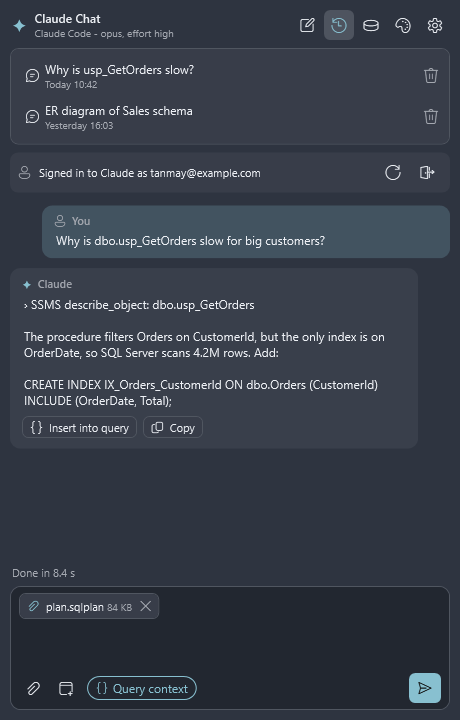
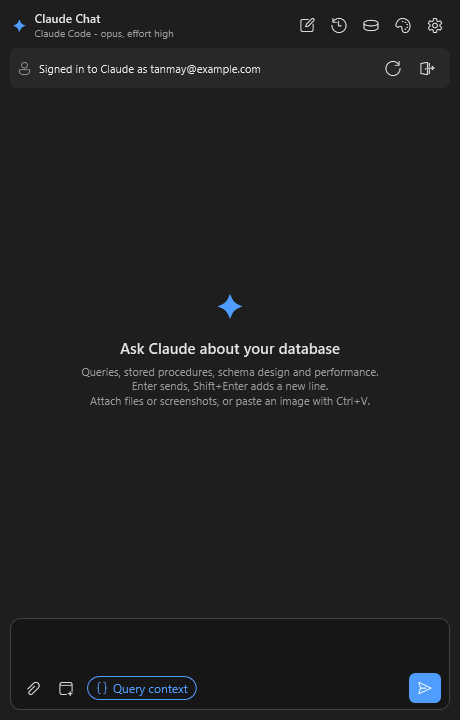
A chat window inside SQL Server Management Studio. Ask questions in plain English, such as "what does this procedure do?" or "why is this query slow?", and Claude looks at your database and answers. It can also write SQL and draw diagrams. Nothing in your database changes unless you click Yes.
What can SSMS Claude Chat do?
It works with whatever server and database your query window is connected to.
Answers questions about your database
"Which tables hold customer data?" "What uses this column?" Claude looks it up and tells you.
Explains and writes stored procedures
Get any procedure explained in plain English, or describe what you need and Claude writes it for you.
Helps fix slow queries
Paste a query or attach an execution plan, and Claude explains what's slow and how to fix it.
Draws diagrams
Database (ER) diagrams and flowcharts of procedures in one click, even across several databases.
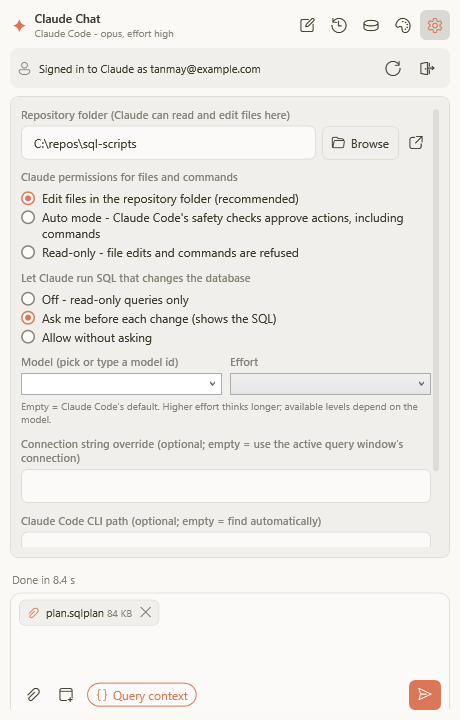
You stay in control
Before anything changes, you see exactly what will run and where. Nothing happens until you click Yes.
Remembers your chats
Attach files and screenshots, and pick up any earlier conversation where you left off.
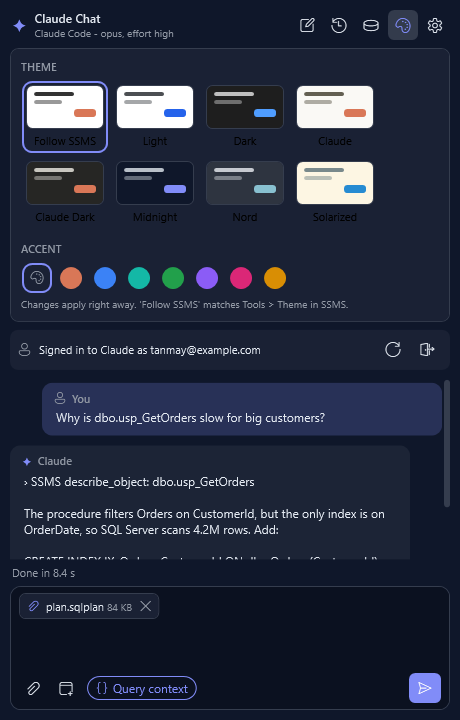
Make it look the way you like
Eight colour themes, from matching SSMS to Claude, Midnight and Nord, plus your choice of accent colour. See the themes →
Get SSMS Claude Chat
Free to download and use. Takes about five minutes to set up.
Support SSMS Claude Chat
SSMS Claude Chat is free. Sponsoring keeps it maintained and pays for code signing and hosting.